SEO7 min read · Updated October 11, 2026
Google Business Profile for dentists: a setup and upkeep guide
Step-by-step setup of the profile patients see first, plus the weekly habits that keep it ranking.
Why it matters
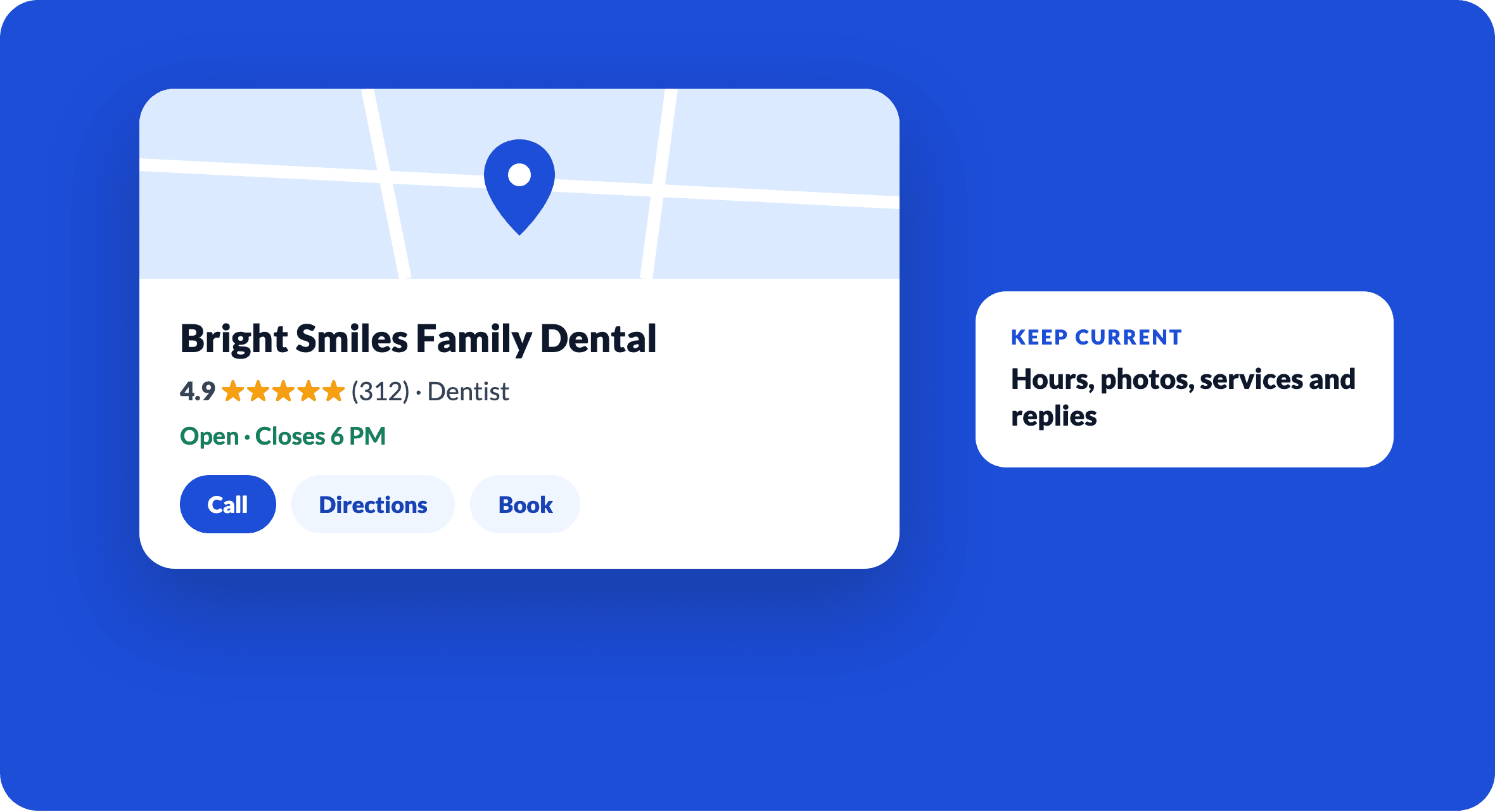
For many patients, your Google Business Profile is the first and sometimes only thing they see before calling. It shows in Maps and in the local results at the top of Google, with your rating, hours, photos and a call button.
Set it up properly
- Claim and verify the profile with the practice's own Google account, not a vendor's.
- Use your real business name. Adding keywords to the name breaks Google's guidelines and can get the profile suspended.
- Choose the most specific primary category and add relevant secondary ones.
- Add services, accepted insurance (in the description), accessibility details and your booking link.
- If several dentists practise at one address, follow Google's guidelines for individual practitioner listings.
Weekly upkeep
- Reply to every new review within a few days, using privacy-safe wording.
- Add a Post or new photos.
- Check for public edits to your hours, phone or address, which anyone can suggest.
- Answer new questions in the Q&A section.
Keep the facts consistent
Your profile's name, address and phone should match your website and the national provider registry. Dental360Hub's free practice check shows what the federal registry holds for your address, so you can correct mismatches at the source.
Put it into practice
Run the free website check and practice record check to see where your practice stands today.
Open the free tools